Don't read about it. Call Kevin and be the customer.
The only honest way to judge an AI receptionist is to phone it yourself. Ring the demo line, describe a job the way one of your customers would, and hear exactly what your callers would hear when you can't pick up.
Free to call · no signup · takes about two minutes
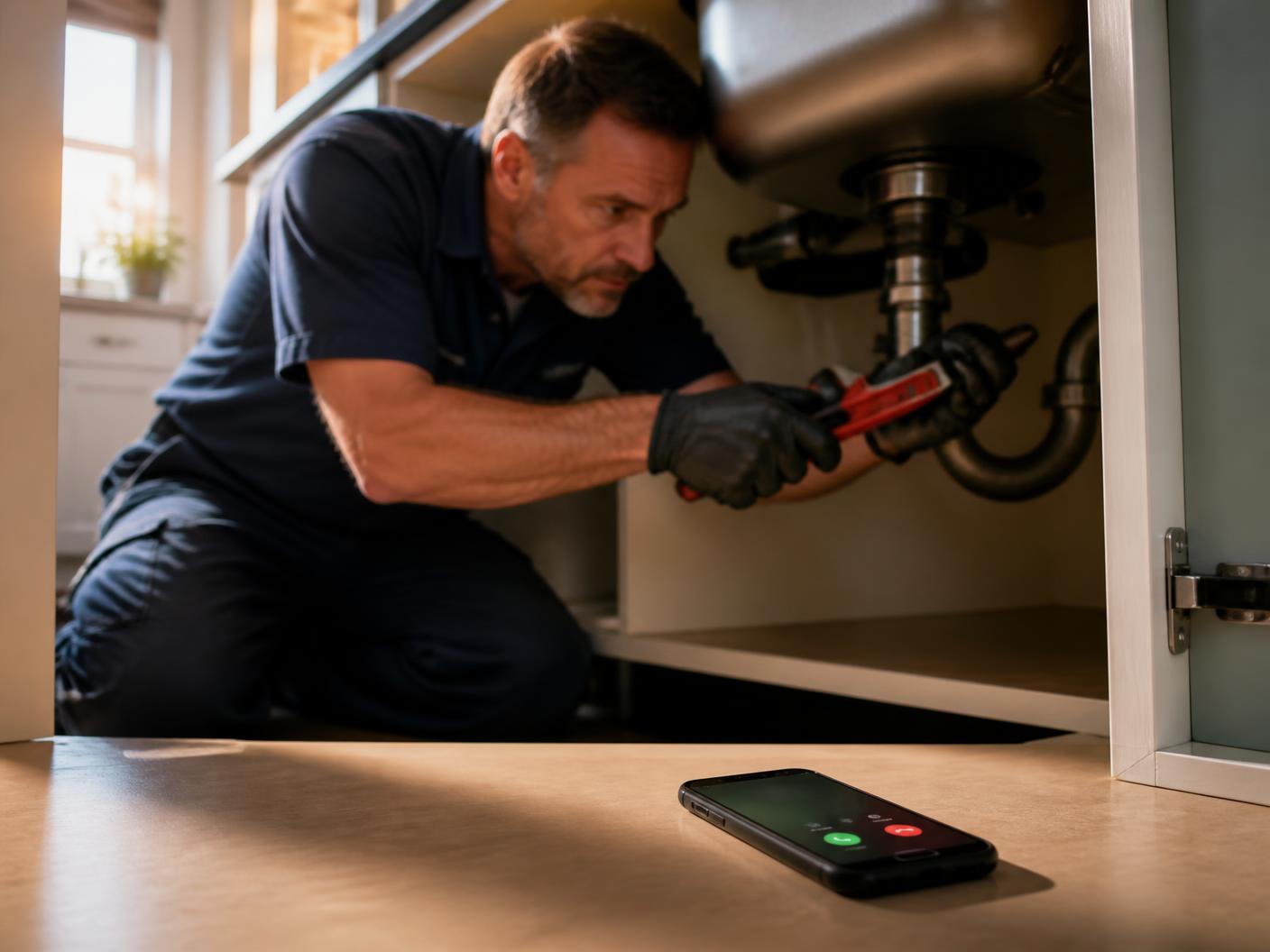
Get the most out of your demo
Pick whichever scenario is closest to your trade and talk to Kevin like a customer who has never spoken to you before. Speak naturally, interrupt him, change your mind, be vague — that's how your real callers behave. Don't make it easy.
Call in as a plumbing customer
Say your water heater is leaking into the basement. Be vague at first. Let Kevin dig for the details — where the leak is, whether the water is still running, whether you can reach the shut-off.
Call in as an HVAC customer
Tell Kevin the AC stopped blowing cold two days ago and there's an infant in the house. Listen to how the urgency questions change what happens next.
Call in as an electrical customer
Mention a burning smell from an outlet. This is the one to try if you want to hear how Kevin handles a call that shouldn't wait until morning.
Try to break it
Interrupt. Change your mind halfway through. Mumble an address. Switch to Spanish. Ask a price question. Kevin is only worth paying for if it holds up when the caller isn't tidy.
First call
Call in cold, the way a customer would. Have a property address ready, describe the problem loosely, and let Kevin dig. Listen for the follow-up questions and what he treats as urgent.
Second call
Call back and push harder: ask a price question, talk over him, switch to Spanish, or give a half-finished address. Two calls is usually enough to know whether you'd trust Kevin with your line.
Then look at what you'd actually receive
The call is half of it. The part that changes your day is what shows up afterwards: who called, what the job is, how urgent it sounded, and the number to ring back — written down, in the app, before you've wiped your hands.
- The full conversation, transcribed
- The job, the address and the urgency, pulled out for you
- A callback number you can tap
Scan to install on your iPhone
Hey Kevin is an iPhone app. Point your camera at the code.
- Caller
Hi. Do you guys do toilet replacement?
- Kevin
Yes, we do toilet replacements. The cost typically ranges from $175 to $650.
May I have your name, please?
- Caller
My name is Jonathan.
- Kevin
Hi Jonathan. Are you looking to replace an existing toilet, or is this for a new installation?
- Caller
Do you have any availability for next Tuesday?
- Kevin
Yes, on Tuesday, August 11th, we have openings at 7:00 AM, 8:00 AM, and 10:00 AM. Do any of those work for you?
About the demo line
- · The demo answers as a sample contractor, not as a real business. Nothing you say is dispatched to anyone.
- · Any time slot Kevin offers on the demo is an example. No appointment is actually booked.
- · Please don't share real personal or payment details on the call.
- · Standard carrier charges for the call apply. Hey Kevin doesn't charge you to try it.
How Kevin works
One forwarding code during setup — no new number, no hardware, nothing to install for your customers. After that Kevin runs in the background.
1. Your phone rings first
Nothing changes for you or your customers. You keep your number, and saved contacts always ring straight through to you.
2. Kevin picks up what you can't
If you don't answer, Kevin answers in a natural voice, in seconds, and finds out who's calling and what they need.
3. He asks what you'd ask
Kevin runs the intake questions written for your trade, and can flag a call that may need urgent attention.
4. You get the job, written down
The caller, the job, the address and the urgency land in the app. Call back, dispatch, or ignore the spam.
Questions about the demo
Heard enough? Put Kevin on your own line.
One forwarding code, your number stays yours, your phone still rings first. 2-week free trial for eligible new subscribers. Cancel anytime.
Scan to install on your iPhone
Hey Kevin is an iPhone app. Point your camera at the code.